
Your electrician website should work like your best technician. It should show up when customers need help. It should build trust instantly. And it should convert visitors into paying customers.
But most electrical contractor websites fail at this basic job. They load too slowly. They confuse mobile users. They hide important information behind poor navigation.
The result? You lose potential customers every single day. Professional website optimization can fix this problem fast.
This 15-point audit shows you exactly what to check. You'll learn how to transform your site from a digital brochure into an active lead-generation machine.
Table of Contents
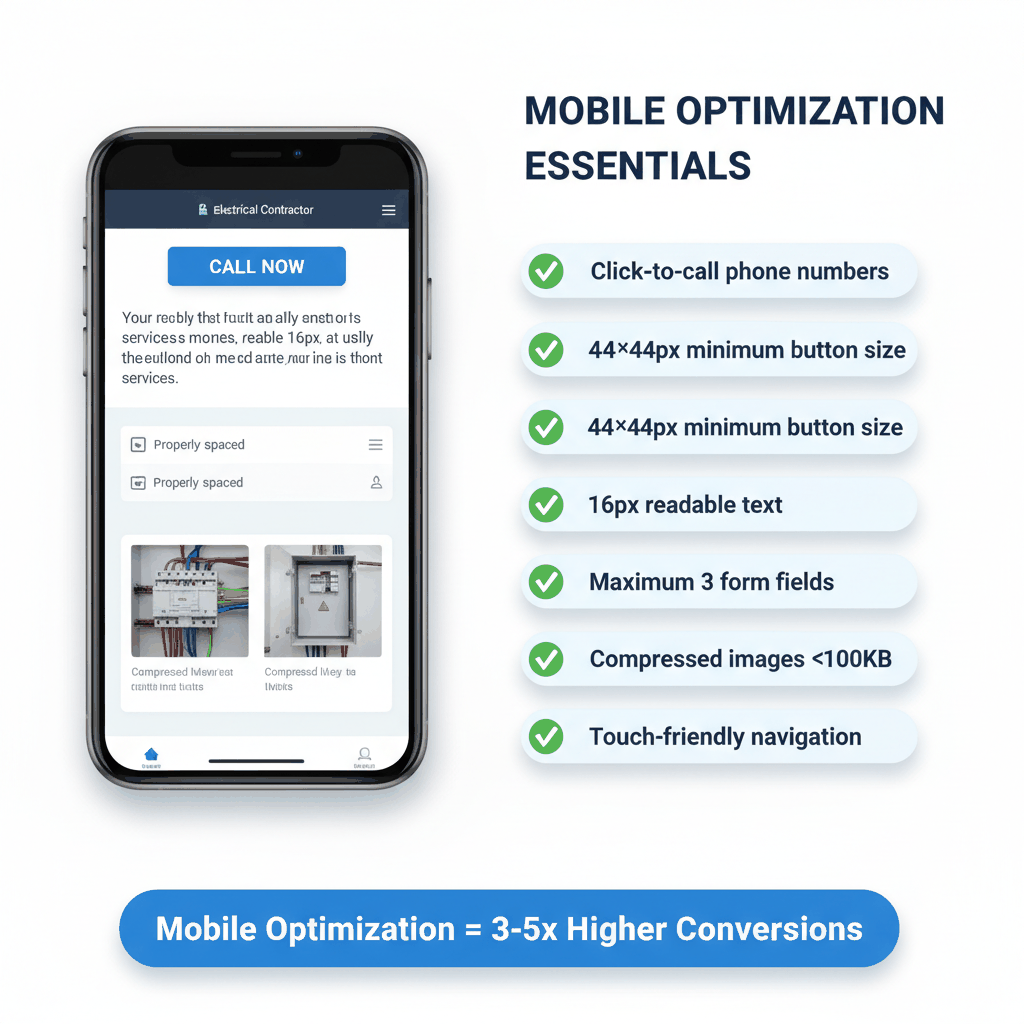
More than half your visitors view your site on mobile devices. If your electrician website optimization ignores mobile users, you're losing half your potential business.
Mobile users won't pinch and zoom to read your content. They won't hunt for your phone number. They'll leave for a competitor's site instead.
Your electrical contractor website needs these mobile features:
Click-to-call phone numbers in the header
Buttons at least 44×44 pixels for easy tapping
Text size of 16px minimum without zooming
Forms with three fields or fewer
Fast-loading compressed images
Touch-friendly navigation with proper spacing
Mobile-optimized electrical service websites typically see conversion rates 3-5 times higher than non-optimized sites. The reason is simple: you reduce friction at the exact moment customers need help.
Use Google PageSpeed Insights to test mobile performance. Check your site on actual mobile devices too. What looks good on desktop often fails on small screens.
Test your contact forms on mobile. Can users complete them easily? Do buttons work properly? Is your phone number clickable?
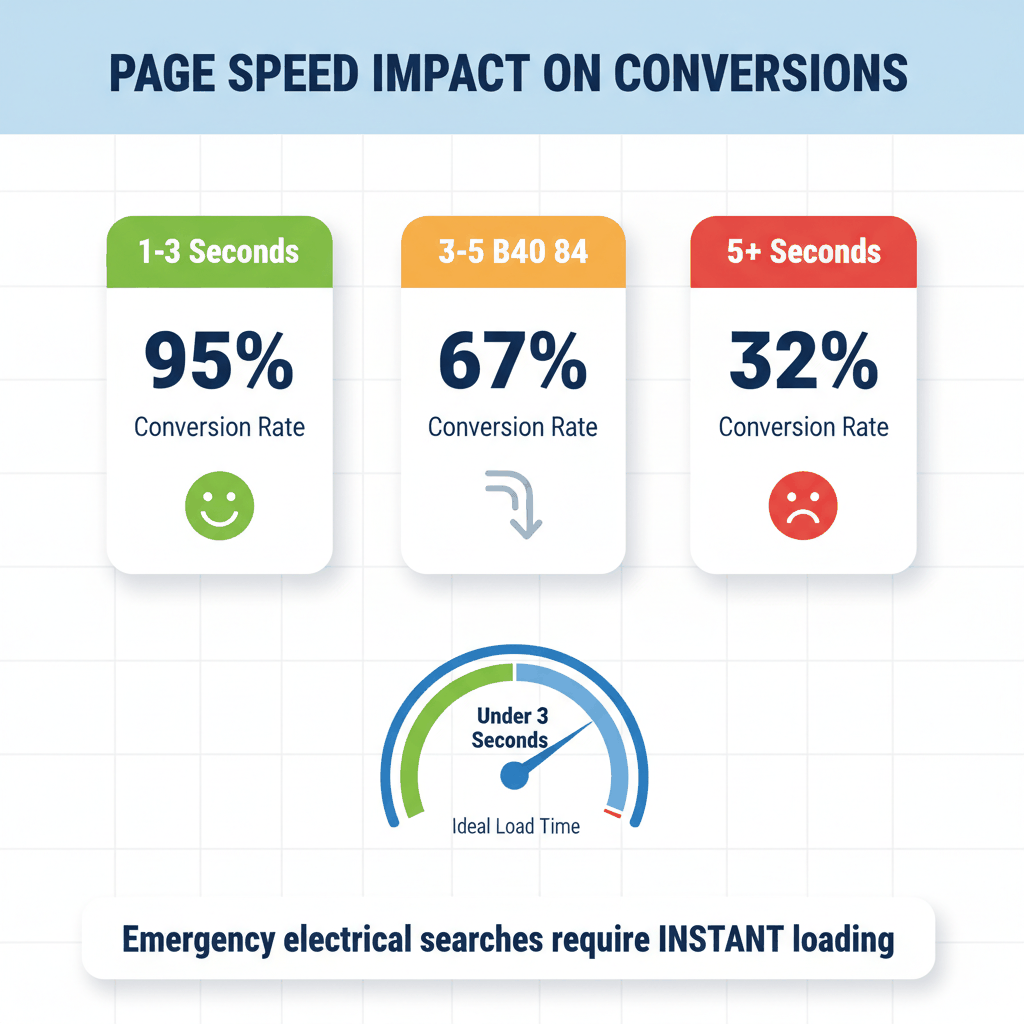
Every second your site takes to load costs you customers. Sites that take more than three seconds to load can see bounce rates double.
Google reports that a 1-second delay in mobile load time can reduce conversions by up to 20%. For emergency electrical services, that's money out the door.
Your electrical business website should load in under three seconds. Here's how to achieve that:
Compress all images to under 100KB each
Enable browser caching
Use a content delivery network (CDN)
Minimize CSS and JavaScript files
Choose a quality hosting provider
Remove unnecessary plugins
Performance improvements translate directly to conversions for emergency searches. Aim for Largest Contentful Paint (LCP) under 2.5 seconds on mobile.
Use these tools for comprehensive speed testing:
Google PageSpeed Insights for Core Web Vitals
GTmetrix for detailed performance analysis
Google Chrome DevTools for technical debugging
Test from different locations and devices. Speed varies based on user location and device capability.
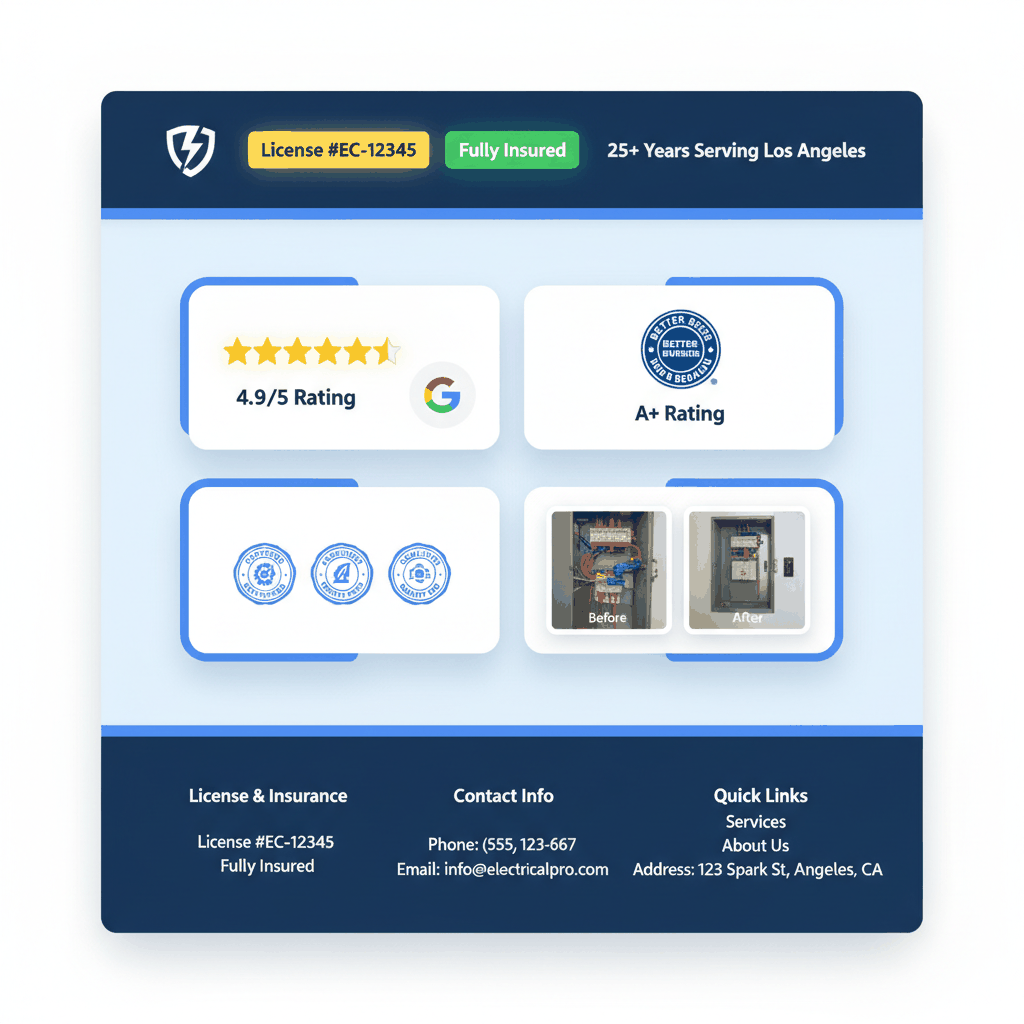
Trust is everything in electrical work. Customers need proof you're licensed, insured, and experienced before they'll call you.
Top-performing electrician web design includes visible trust signals throughout the site. These signals work for both conversions and search engine optimization.
Display these trust signals prominently on every page:
License numbers and certifications
Insurance coverage details
Years of experience serving the community
Better Business Bureau ratings
Google reviews with star ratings
Before and after project photos
Industry association memberships
Research shows that trust signals carry enormous weight for electrical contractor websites. They influence both customer decisions and search rankings.
Put your most important credentials in the header area. Include license numbers in your footer. Feature recent reviews on your homepage.
Use real project photos instead of stock images. Customers can tell the difference. Real photos build credibility.
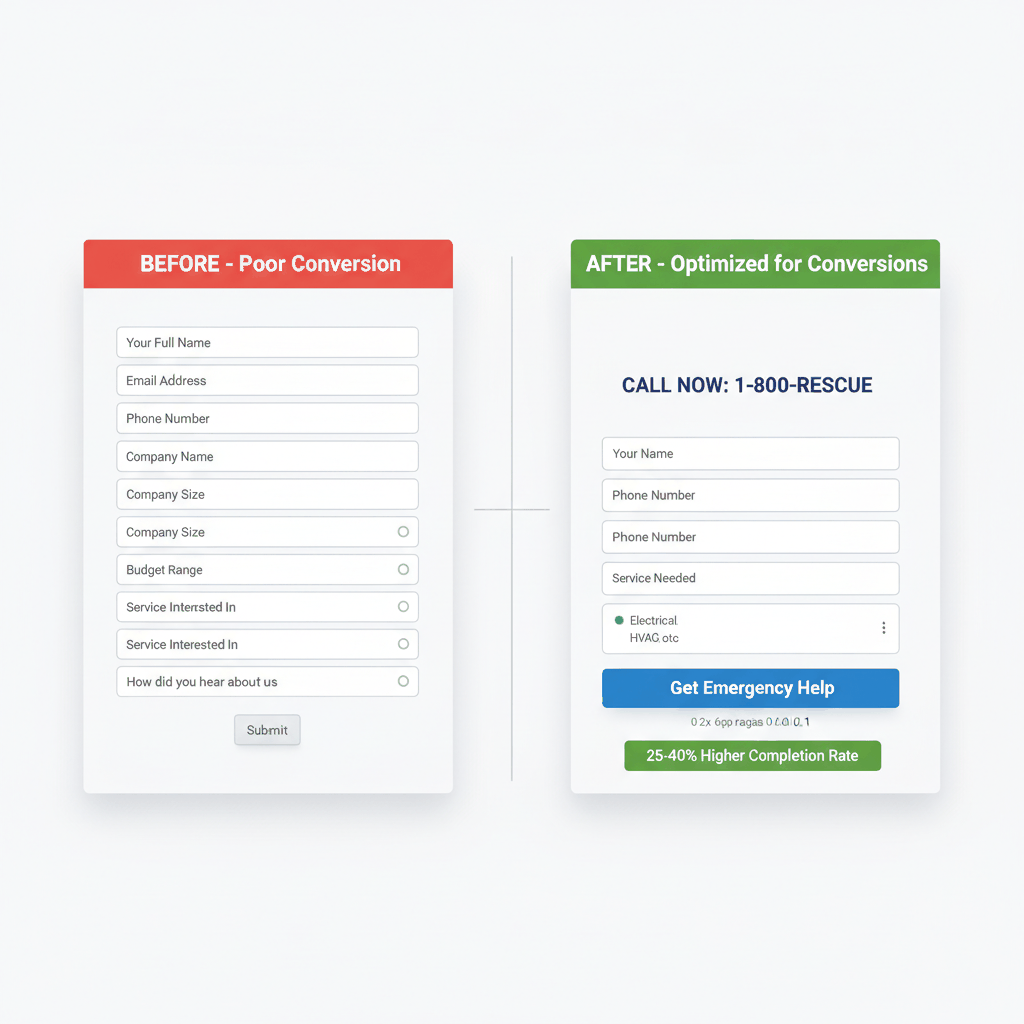
Your contact forms should make it easy for customers to reach you. Complex forms kill conversions.
After 3-4 fields, every additional form field costs you completions. Keep forms simple for better electrician online conversion rates.
Your electrical service website forms should include only:
Customer name
Phone number
Service type needed
Brief description (optional)
Make phone numbers the primary contact method. Most electrical emergencies require immediate phone contact anyway.
Put contact forms above the fold on service pages. Include a sticky contact bar that follows users as they scroll.
Use clear call-to-action buttons like "Get Emergency Help" or "Schedule Service." Avoid generic phrases like "Submit" or "Send."
Case studies show that simplified forms can improve completion rates by 25-40% for electrical contractors.
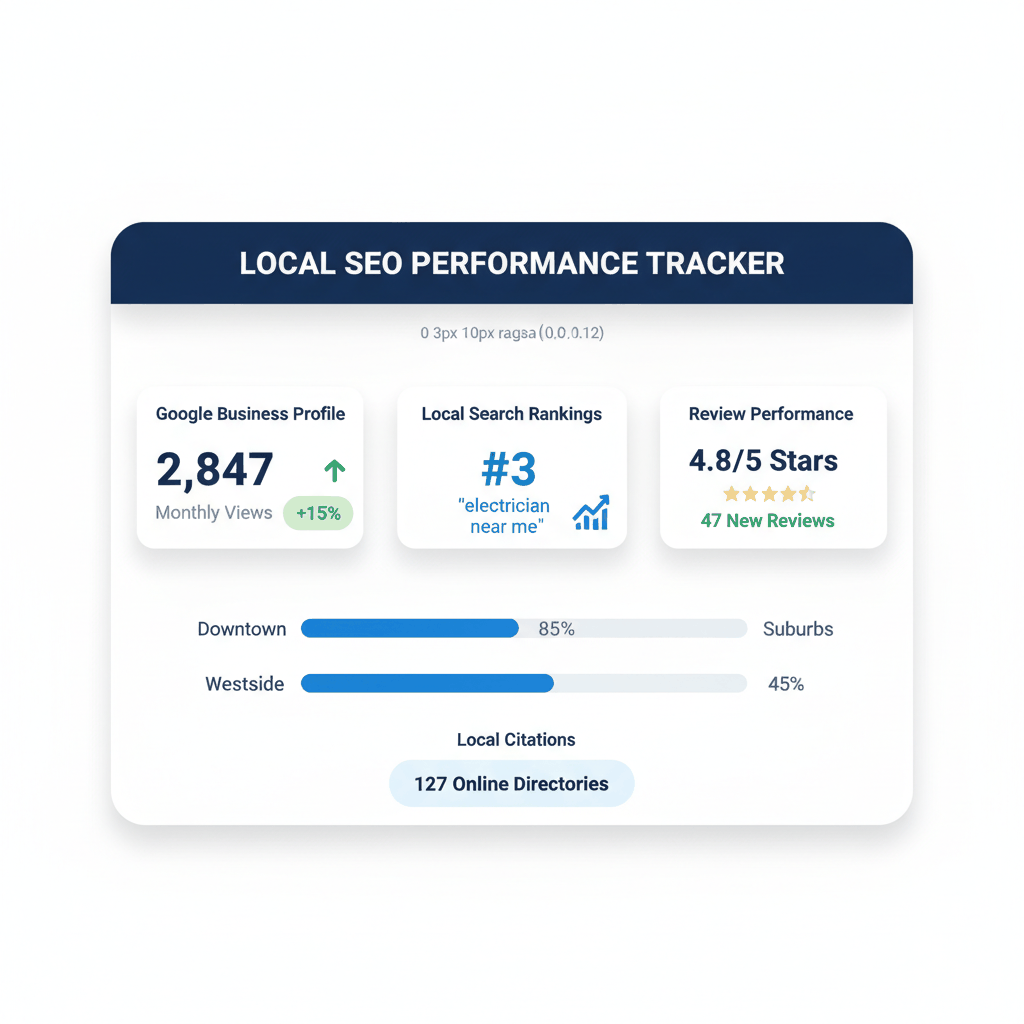
Local search drives most electrical service calls. When someone searches "electrician near me," you want to appear first.
Most local searches happen on mobile devices. Your electrician website checklist must include local SEO optimization.
Your Google Business Profile is crucial for local visibility:
Complete all profile sections
Add high-quality business photos
Include all services you offer
Update business hours regularly
Respond to all customer reviews
Post regular updates and offers
Include location-specific keywords in your profile description. Use phrases like "residential electrician in [city]" naturally.
Create location-specific landing pages for each service area. Write about local electrical code requirements. Mention local landmarks and neighborhoods.
This helps with local search rankings and shows customers you understand their area.
Positive reviews boost both conversions and search rankings. Set up a system to request reviews after each completed job.
Respond to all reviews, both positive and negative. Professional responses show you care about customer satisfaction.
You can't improve what you don't measure. Conversion tracking shows which parts of your electrician website optimization work best.
Track phone calls, form submissions, and email contacts separately. This data guides your improvement efforts.
Set up these tracking systems:
Google Analytics 4 for website behavior
Google Search Console for search performance
Call tracking software for phone conversions
Heat mapping tools for user behavior analysis
Advanced tracking helps you understand traffic sources, bounce rates, session duration, and user frustration points.
Focus on these conversion metrics:
Phone call volume from website
Contact form completion rate
Average session duration
Bounce rate by page type
Mobile vs desktop performance
Monthly tracking helps you spot trends and measure improvement results.
Use data to guide optimization decisions. If mobile bounce rates are high, focus on mobile experience first.
Test one change at a time. This helps you understand what actually drives better results.
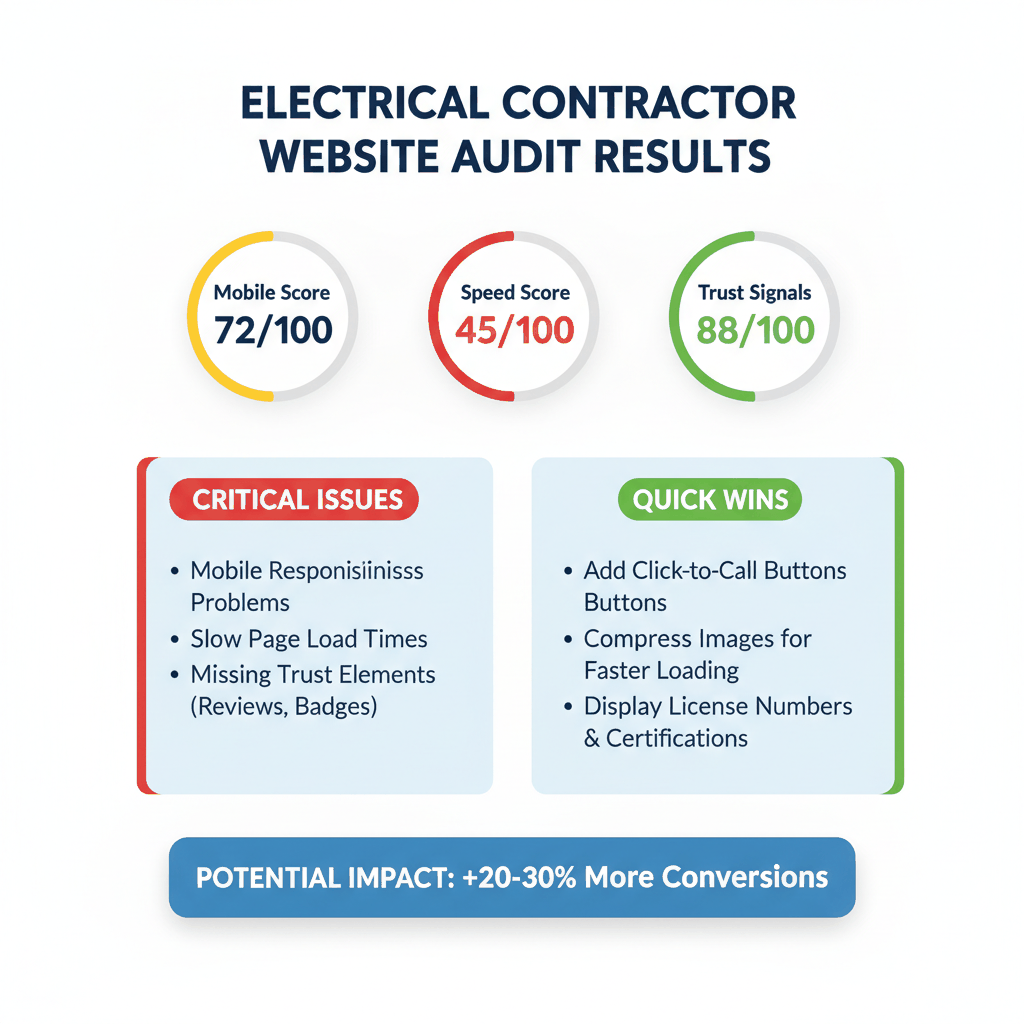
Many electrical contractors make the same audit mistakes. Avoiding these errors saves time and improves results.
Desktop-first thinking hurts electrical business websites. Mobile traffic dominates local searches.
Always test changes on mobile devices first. What works on desktop often fails on smartphones.
Beautiful design means nothing if pages load slowly. Speed trumps visual appeal for conversions.
Compress images before uploading them. Choose fast hosting over cheap hosting.
Make your phone number visible on every page. Emergency electrical services require immediate contact options.
Use large, clickable phone numbers. Include your service area clearly.
Generic electrical websites lose to locally-optimized competitors. Include your city and service area throughout your content.
Create separate pages for different service areas if you cover multiple locations.
How often should I audit my electrician website?
Perform a basic electrician website optimization audit monthly. Do comprehensive audits quarterly. Check mobile performance and page speed weekly, especially after making any changes to your electrical contractor website.
What's the most important factor in electrician web design?
Mobile optimization is the top priority for electrical service websites. Most emergency searches happen on mobile devices. Focus on fast loading times and easy contact options first.
How can I improve my electrical business website conversions quickly?
Add click-to-call buttons throughout your site. Simplify contact forms to three fields maximum. Display your license numbers and insurance information prominently. These changes often improve conversions within days.
What tools do I need for an electrician website checklist?
Use Google PageSpeed Insights for speed testing. Set up Google Analytics for conversion tracking. Test your site on actual mobile devices. These free tools cover most audit requirements for electrical contractor websites.
How do I know if my electrician online conversion efforts are working?
Track phone calls from your website and contact form submissions. Monitor your Google Business Profile views and clicks. Measure changes in call volume after optimization. Most improvements show results within 30-60 days.
Ready to get pay per call electrical leads? Sign up with ResultCalls for free today!

Hello everyone! My name is Alex and I write these blogs to help educate small business owners on different ways to grow their business. My goal is to make lead generation as easy as possible for you. After reading these blogs, I hope you leave with some actionable steps that will get you closer to growing your business :)