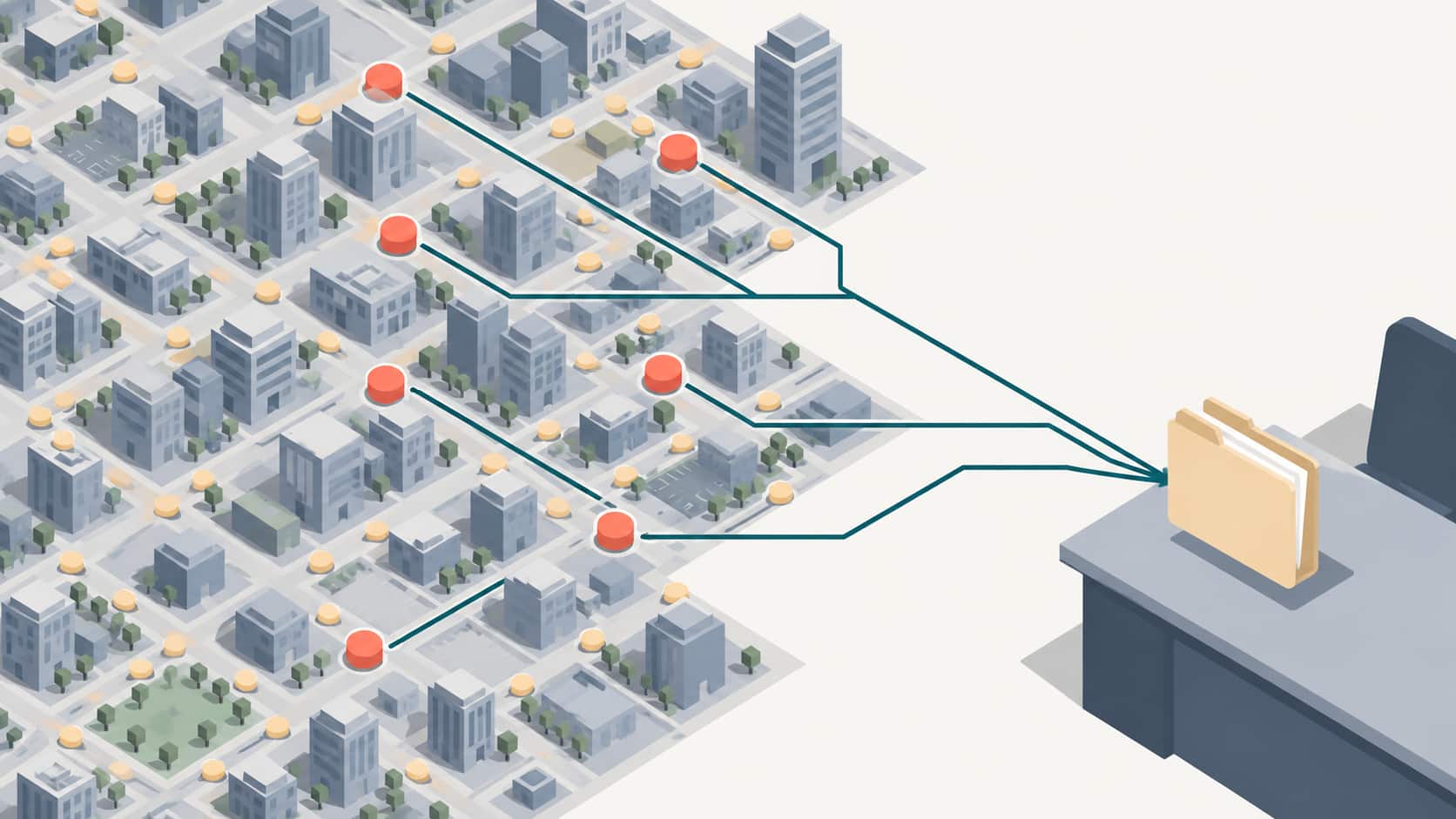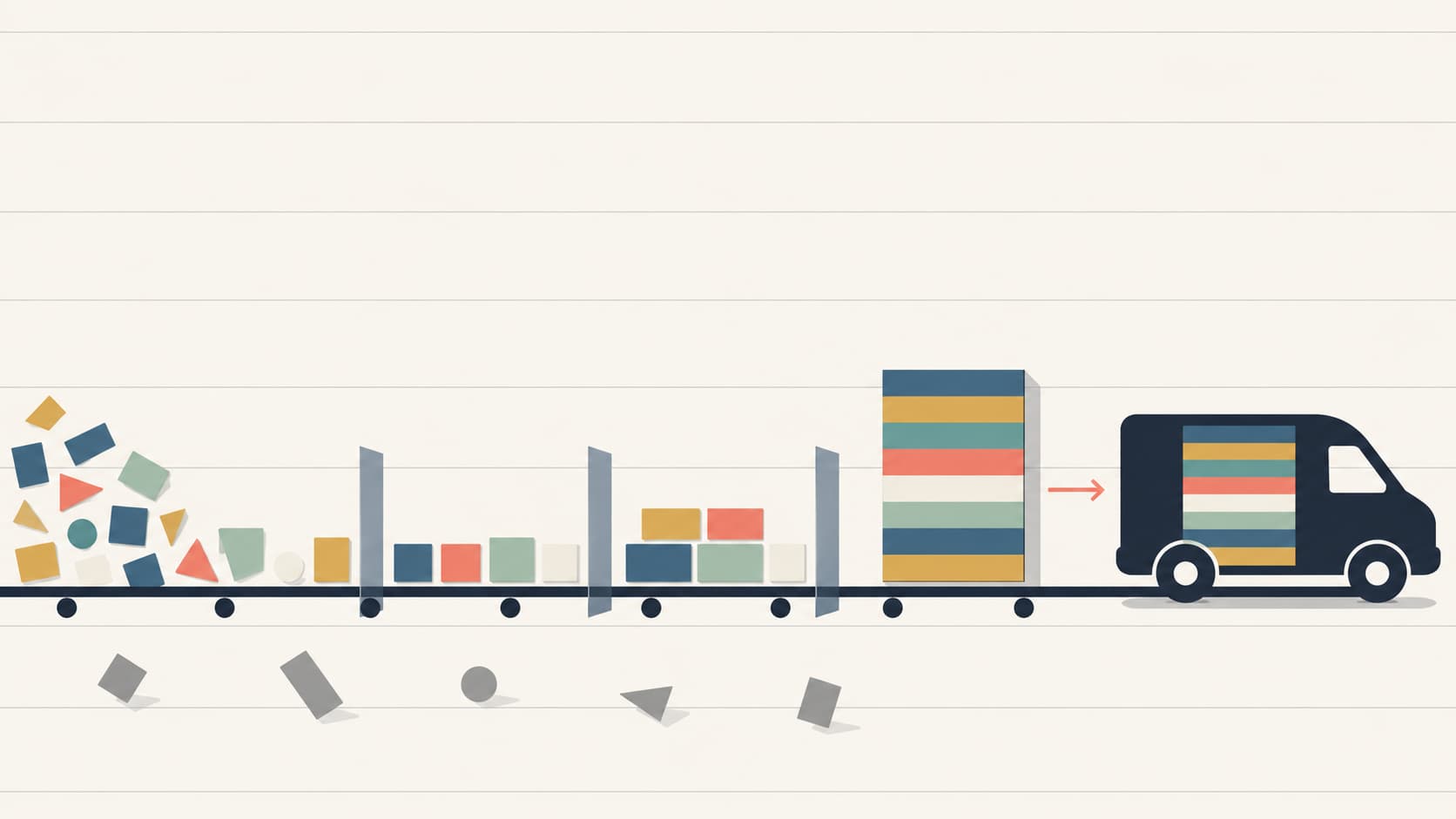
Garage door CRM integration moves three things from your phone system into your dispatch board: who called, what broke, and which parts the truck needs. Most garage door companies capture the first two. The third is where the money leaks.
A tech who arrives without the right spring cannot complete the job. That turns a $1,145 average ticket into a second trip and a second drive.
The acquisition cost is already sunk by then. Garage door Local Services Ads run about $49 per lead with a 38% book rate, which works out to roughly $198 per paying customer.
Field service platforms cost real money too. ServiceTitan runs $245 to $500 per technician per month with a $5,000 to $50,000 implementation fee. Housecall Pro publishes plans from $59 to $299 with no implementation fee.
This guide walks the mechanics in order: the payload, the dispatch fields, the delivery method, field mapping, deduplication, and what fires on arrival. If the calls themselves are the constraint, ResultCalls covers that side.
What Garage Door CRM Integration Actually Moves
Step 1: The Call Metadata You Get
Step 2: The ResultCalls Dispatch-Ready Record
Step 3: How the Data Leaves the Platform
Step 4: Mapping Fields Into Your CRM
Step 5: Matching and Deduplicating Records
Step 6: What Fires on Arrival
Where These Integrations Break
Building Your 2026 Strategy
Frequently Asked Questions
Garage door CRM integration is the pipeline that carries call data from your tracking or lead platform into your field service software automatically. It moves caller identity, call context, and dispatch detail.
Identity is the name and number. Context is the campaign that produced the call. Dispatch detail is what the tech needs before leaving the shop.
Garage door work is parts-dependent in a way most home service trades are not. A torsion spring comes in specific wire sizes, inside diameters, and lengths. An opener repair depends on brand and logic board generation.
Those details decide whether the job completes on the first visit. Dispatch software can send the nearest qualified tech and text an arrival window automatically, but it cannot guess what is on the truck.
Which campaign or source produced this call, so you can measure cost per booked job
What is physically wrong with the door, so dispatch assigns the right tech
Which parts the truck needs, so the job completes on the first visit
Most garage door companies answer question one poorly and question three not at all.
Call metadata is the structured data your call platform holds about each call, separate from anything the caller said. A typical inbound payload carries 15 to 30 fields. Most garage door companies map four of them.
You cannot map a field you did not know existed, so start by listing what arrives.
Caller phone number, often with name and city from carrier lookup
Tracking number dialed, which identifies the campaign or source
Call start timestamp and total duration in seconds
Billable status, meaning whether the call cleared the duration threshold
Recording URL and, increasingly, a transcript
Disposition tag set by the CSR or by automated scoring
Geographic data, usually city and zip from the number or the ad
Source attribution is the field that turns a cost per lead into a cost per booked job. Garage door channel costs vary enough to make that distinction expensive.
Performance Max campaigns deliver garage door leads at around $34 per lead. Non-branded search runs $173. If both land in your CRM with no source field, those two channels look identical on your dispatch board.
Whatever platform sends the calls, the front end matters as much as the pipeline. ResultCalls delivers exclusive garage door calls where each lead goes to only one company, and the homeowner calls your number directly in real time. Pricing runs on pay per call with no contract and no sign-up fee. Details are on the garage door repair leads page.
The ResultCalls Dispatch-Ready Record is a field standard for garage door call data. A record is dispatch-ready when a technician can load the truck correctly without calling the customer back.
Standard call metadata does not meet that bar. These fields have to be captured by your CSR and written into the same record.

Door status: fully stuck, partially operating, or operating with noise
Vehicle trapped: yes or no, which sets dispatch priority
Symptom: spring, cable, opener, panel, track, or roller
Door size: single or double, and approximate height
Door material: steel, wood, or composite
Opener brand and approximate age, where the caller can see it
Property type: single family, townhome, or commercial
Access notes: gate codes, pets, parking constraints
Spring failure is the most common garage door service call, and springs are rated for 10,000 to 20,000 cycles, roughly 7 to 14 years. A door that will not open at all usually means a broken spring rather than an opener fault.
Door size and material determine spring specification. A double steel door and a single wood door need different parts on the truck.
Vehicle trapped changes the dispatch queue rather than the parts list. It is the single field most worth capturing, because it converts a scheduling decision into an obvious one.
No integration invents this data. Your CSR asks, and the fields flow through only if your intake script and your CRM both have a place for them.
ServiceTitan's call recording workflow captures caller details, job needs, and scheduling in a single flow, which is the pattern to copy regardless of platform.
Call data reaches your CRM by one of four methods: webhook, scheduled API pull, native integration, or middleware. They differ in latency and in who maintains them.
Garage door is a same-day trade, so latency decides most of this.
Webhook or postback pushes a payload to your endpoint the moment the call ends. Lowest latency, needs a listener
Scheduled API pull polls the platform on a timer. Simpler to build, adds minutes of delay
Native integration means the vendor built a direct connector to your platform. Least work, least control over field mapping
Middleware such as Zapier needs no code, suits low volume, and adds a dependency plus per-task cost
A garage door call at 8:15 AM should reach the dispatch board before the 9:00 AM route locks. A record arriving 25 minutes late misses that window.
Use a webhook for anything that needs same-day dispatch. Reserve scheduled pulls for reporting data that can wait.

Garage door field service platforms differ sharply in openness and price:
Housecall Pro publishes plans from $79 per month for dispatch and includes a basic call tracking layer
Jobber runs $49 to $249 per month with no implementation fee and typical setup inside a week
ServiceTitan is enterprise-tier at $245 to $500 per technician monthly, with implementation from $5,000
FieldEdge targets QuickBooks-first shops at roughly $100 per user monthly
SuccessWare is one of the few platforms built with garage door dealers as a core audience, with flat-rate templates for spring replacement, opener installation, and panel work
Confirm integration access before you design anything. A plan that assumes open API access falls apart when the vendor turns out to be partner-gated.
Field mapping is deciding where each incoming value lands in your CRM schema. Do it deliberately once and it holds for years. Do it casually and your reports stay wrong for two years.
The rule is simple. Anything you will later filter or group by needs its own column, not a note.
Symptom stored as free text, which makes it impossible to stock trucks by pattern or report on job mix
Duration stored as text, which blocks averaging and sorting later
Timestamps stored in local time with no timezone, which quietly corrupts speed-to-dispatch reporting
Normalize phone numbers on the way in. A record stored as (480) 555-0142 will not match one stored as +14805550142, and that single inconsistency causes most duplicate records in field service CRMs.
Deduplication decides whether an incoming call belongs to a record you already have. Garage door customers call back, and a system that creates a new job every time produces a dispatch board nobody trusts.
Match on normalized phone number first. Fall back to address.
Exact normalized phone match against open jobs
Exact phone match against completed jobs inside your warranty window
Service address match where the phone differs, which catches household members
No match, which creates a new job record
A customer calling about a spring you installed six weeks ago is a warranty visit, not a lead. Billing that as a new acquisition inflates your lead count and hides a quality problem.
Set the warranty window explicitly in your matching rules. Most garage door shops use 30 to 90 days on labor, so match against completed jobs inside that range and flag rather than create.
The record landing is not the outcome. What happens in the next 60 seconds is the outcome.
Garage door callers expect same-day service. A record that waits for someone to read it has already lost the advantage the integration was built for.
Priority assignment based on the vehicle-trapped flag, immediately
Route assignment to the nearest qualified tech with the right parts
An automated arrival-window text to the customer
A scheduling software integration that lets the CSR book a slot from the record itself
The mobile job card should show symptom, door size, material, and opener brand before the tech leaves. That is the whole point of capturing them.
SuccessWare carries a commercial-grade inventory system for dealers tracking parts across multiple trucks and a central warehouse. If your platform supports truck-level inventory, match the dispatch fields against it automatically.
The completed job, the parts used, and the final ticket have to return to the same record that started as a call. Otherwise your cost per booked job stays theoretical.
At a $1,145 average garage door ticket and $198 per paying customer through Local Services Ads, the write-back is what proves the channel works.
These pipelines fail silently. Nobody notices a webhook stopped firing until someone asks why last week looks slow.
Build the monitoring while you build the integration, not after the first incident.

Your endpoint returns an error and the platform stops retrying after a set number of attempts
A CRM field gets renamed and the mapping silently drops that value
Middleware hits a monthly task limit and queues or discards events
Credentials expire, which is common on partner-gated APIs
Duplicate suppression runs too aggressively and legitimate second inquiries disappear
Put these on a weekly review:
Call count in the platform versus job count in the CRM, which should reconcile closely
Percentage of records arriving with a populated source field, which should be near 100%
Percentage of records arriving dispatch-ready with all eight fields
Median minutes from call end to dispatch assignment
Track first-visit completion alongside those four. A drop in first-visit completion usually traces to missing dispatch fields rather than to technician skill.
Three actions fix most garage door CRM integration problems. Complete them in this order.
Pull a single call record and list every field it contains. Most garage door companies find 15 to 30 available fields and discover they are mapping four.

Door status, vehicle trapped, symptom, door size, material, opener brand, property type, and access notes. Add a CRM field for each before you change the script, or the answers have nowhere to land.
Store phone numbers in one format and timestamps in one timezone. Nearly every duplicate and attribution problem downstream traces back to one of those two.
It is the pipeline that moves call data from your tracking or lead platform into your field service software automatically. It carries caller identity, call context such as campaign source, and dispatch detail such as symptom and door size. Real-time delivery by webhook is standard, and it matters because garage door is a same-day trade.
At minimum: caller phone normalized to one format, tracking number or campaign, call duration as a number, recording URL, timestamp with timezone, and city or zip. Then add the eight dispatch fields covering door status, vehicle trapped, symptom, door size, material, opener brand, property type, and access notes. A typical payload carries 15 to 30 fields and most shops map four.
It depends on your size and budget. Housecall Pro publishes plans from $59 to $299 per month and includes a basic call tracking layer. Jobber runs $49 to $249 with no implementation fee. ServiceTitan costs $245 to $500 per technician monthly plus $5,000 or more in implementation, and SuccessWare is one of the few platforms built with garage door dealers as a core audience.
For garage door, yes. A webhook pushes the record the moment the call ends, which matters when a job needs to reach the board before the morning route locks. A scheduled pull is simpler to build but adds minutes of delay and can miss same-day dispatch entirely.
Because the dispatch fields never reached the job card. Springs are rated for 10,000 to 20,000 cycles and come in specific sizes, so door size, material, and symptom determine what the truck needs. If those fields are stored as free text or not captured at all, no integration can route the right parts.
Most garage door companies do not need a rebuild. They need to open one sample payload, notice the 20 fields they discard, and map the six that answer questions they have been guessing at.
Then add the eight dispatch fields to the intake script. That single change does more for first-visit completion than any software upgrade on the market.
If the calls themselves are the constraint rather than the plumbing, exclusive volume is the other half. Start with a small batch and buy garage door calls and build the pipeline around them.

Hello everyone! My name is Alex and I write these blogs to help educate small business owners on different ways to grow their business. My goal is to make lead generation as easy as possible for you. After reading these blogs, I hope you leave with some actionable steps that will get you closer to growing your business :)