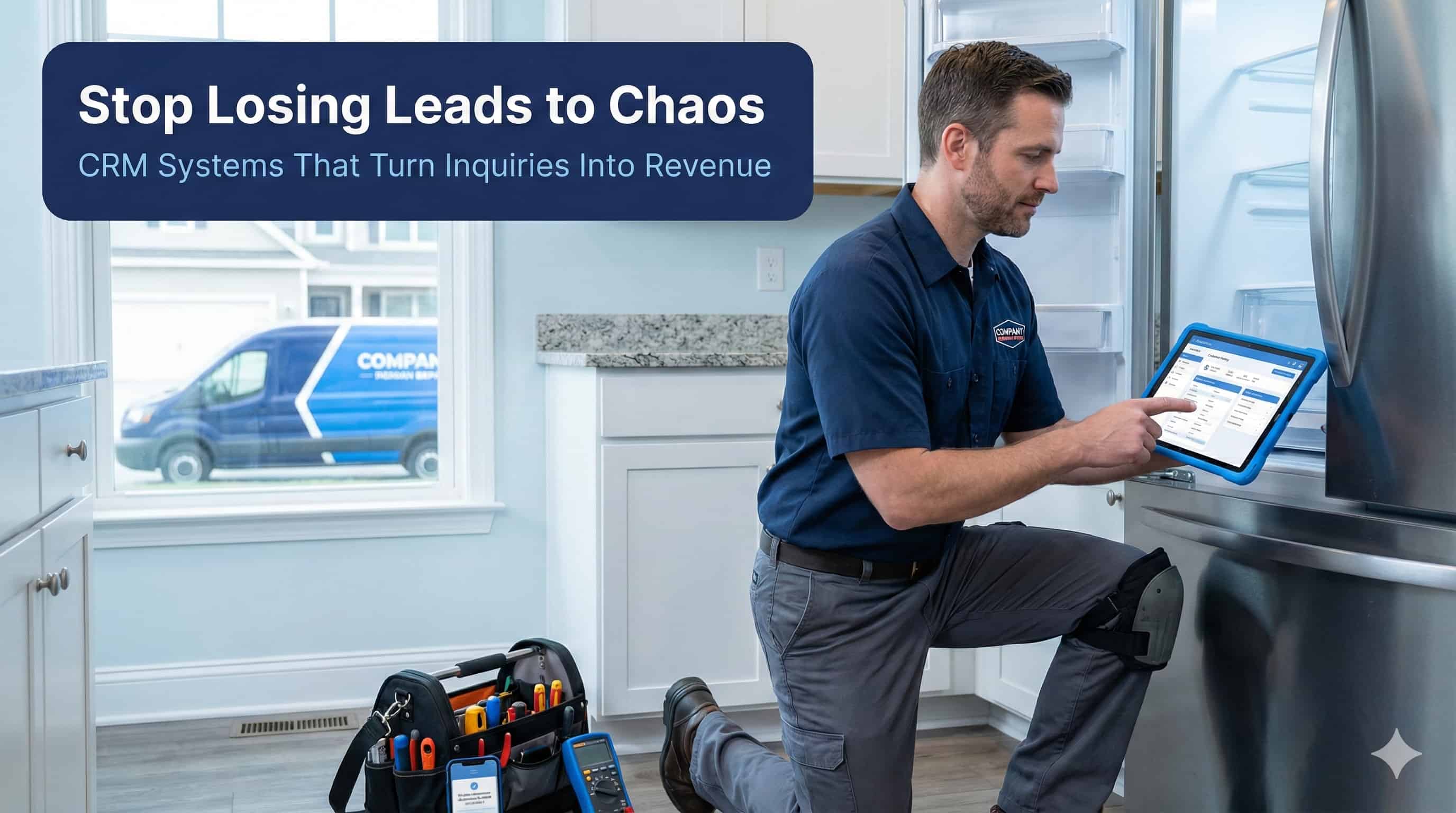
Are you losing leads because they get buried in text messages and sticky notes? Most appliance repair businesses struggle with this exact problem. Customers call for quotes, but follow-up gets forgotten in the daily chaos.
Here's the truth about appliance repair lead management. Research shows that conversion rates for professional services average just 2.7%. This means 97% of your leads disappear without becoming paying customers. The problem isn't getting leads - it's managing them properly.
An appliance repair CRM solves this challenge with automated systems. These tools track every customer interaction from first contact to final payment. They send automatic follow-ups, schedule appointments, and prevent leads from falling through the cracks.
This guide shows you exactly how to choose and implement lead management systems that turn more inquiries into paying customers.
Table of Contents
What Is Appliance Repair CRM
Customer Management Appliance Repair Benefits
Best Appliance Repair Software Options
Lead Tracking Appliance Repair Systems
Automated Follow Up Appliance Repair
Implementation and Success Tips
Appliance repair CRM stands for Customer Relationship Management. It's computer software designed specifically for appliance repair companies. The system helps you understand, monitor, and predict customer needs more effectively.
Think of CRM as your digital assistant. It remembers every customer conversation. It tracks which leads need follow-up calls. It automatically sends appointment reminders to reduce no-shows.
Your CRM handles four main areas of your business:
Lead capture from phone calls, websites, and referrals
Customer communication through automated emails and texts
Scheduling and dispatch for technician appointments
Payment processing and invoice management
Follow-up campaigns for maintenance and repeat business
Manual tracking methods create major problems. You lose customer information when technicians forget to update paperwork. Important follow-ups get missed when you're busy with emergency calls. Customer details get scattered across different notebooks and phone records.
Industry research shows that businesses using manual systems lose 27% more leads than companies with automated CRM tools.
Customer management systems transform how appliance repair businesses operate. The results speak for themselves. Companies using specialized CRM solutions report 35% improvement in scheduling efficiency plus 28% higher customer retention rates.
Statistics show you have a 60-70% chance of selling to existing customers. New prospects only convert at 5-20% rates. Your CRM helps maximize these opportunities through systematic follow-up campaigns.
For example, when a customer's warranty expires, your system automatically sends maintenance reminders. These campaigns generate repeat business without additional marketing costs.
Automated systems eliminate the feast-or-famine cycle. Instead of scrambling to find customer information during service calls, technicians access complete repair histories on their mobile devices. This preparation reduces job completion time by an average of 20 minutes per appointment.
Your dispatch process becomes more efficient too. The system automatically assigns jobs based on technician location, skills, and current schedule. This optimization reduces travel time and increases daily completed appointments.
Appliance service management systems improve customer experiences in measurable ways. Automated appointment reminders reduce no-shows by up to 40%. Customers receive text updates when technicians are en route. Follow-up surveys help you address service issues before they become negative reviews.
Choosing the right appliance repair software depends on your business size and specific needs. Here are the top solutions organized by price range and features.
ServiceM8 starts at $9 monthly for complete service businesses. The platform includes basic CRM, scheduling, and invoicing features. It works well for solo technicians or small teams just getting started with automation.
Orderry offers subscription plans starting at $19 monthly. Additional team members cost $3 each per month. The system provides inventory tracking and basic customer management tools.
ClearCRM delivers enterprise-grade functionality starting at $19 per user monthly. The system includes advanced lead tracking, automated follow-up campaigns, and detailed reporting dashboards. Small to medium appliance repair businesses get the most value from this option.
Housecall Pro subscription plans begin at $65 monthly. You get comprehensive scheduling, payment processing, and customer communication tools. The platform includes a free trial to test features before committing.
Kickserv costs $47 monthly for lead management, scheduling, invoicing, and payment processing. The system works particularly well for businesses that need inventory management integrated with customer relationships.
ServiceTitan provides comprehensive features but at premium pricing. The cost often becomes prohibitive for small to medium operations. However, larger appliance repair companies benefit from advanced analytics and multi-location management capabilities.
FieldEdge offers robust functionality but uses older technology compared to cloud-native alternatives. Implementation requires more time investment than competing platforms. Pricing typically runs higher than similar solutions.
Lead tracking systems prevent potential customers from disappearing into the void. The average professional service business converts only 2.7% of leads into customers. Proper tracking dramatically improves these numbers.
Your lead pipeline should match your actual business process. Start with these basic stages:
New Inquiry - Customer makes initial contact
Quote Provided - You've assessed the problem and provided pricing
Appointment Scheduled - Customer has confirmed service date
Job Completed - Technician finished the repair work
Follow-up Scheduled - System queued for maintenance reminders
Modern systems capture leads from multiple sources automatically. Phone calls get logged with caller information. Website forms feed directly into your CRM. Referrals from existing customers get tracked with proper attribution.
This automation prevents the common problem of losing leads during busy periods. When you're handling an emergency repair, new inquiries still get captured and queued for follow-up.
Not all leads deserve equal attention. Advanced systems score leads based on urgency, location, and repair complexity. Emergency calls get top priority. Routine maintenance requests can be scheduled during slower periods.
Geographic routing becomes important for efficiency. Leads in areas where your technicians already have appointments get higher scores than jobs requiring long drives across town.
Automated follow-up systems turn one-time customers into repeat business gold mines. These campaigns work around the clock to nurture relationships and generate new revenue opportunities.
After completing repairs, your system automatically sends thank-you messages. These include feedback requests and maintenance tips. The personal touch builds customer loyalty while gathering reviews for your online reputation.
Follow-up timing matters. Send the first message within 24 hours of service completion. Schedule additional touches at 30 days, 90 days, and annually for maintenance reminders.
Smart campaigns trigger based on calendar dates and appliance types. Air conditioning maintenance reminders go out in early spring. Heating system check-ups get scheduled before winter arrives. These proactive messages position your business as the trusted maintenance partner.
For example, customers who had refrigerator repairs receive annual coil cleaning reminders. This simple automation generates steady maintenance revenue throughout the year.
Track appliance warranty periods in your CRM. When warranties near expiration, automatically send extended service plan offers. This timing capitalizes on customer concerns about future repair costs.
Research shows that customers are 40% more likely to purchase extended warranties within 30 days of original warranty expiration.
Use customer data to personalize automated messages. Reference specific appliance models and previous repair history. Include technician names who performed the original work. This personal touch differentiates your communications from generic marketing messages.
Birthday and anniversary campaigns create additional touchpoints. A simple "Happy Birthday" message with a service discount strengthens customer relationships and generates off-season bookings.
Successful CRM implementation requires careful planning and team buy-in. Here's exactly how to roll out your new system without disrupting daily operations.
Map your current workflow before choosing software. Document how leads currently flow through your business. Identify pain points where customers get lost or follow-up fails. This analysis helps you select features that solve actual problems rather than adding unnecessary complexity.
Clean up existing customer data before migration. Standardize phone number formats. Remove duplicate entries. Organize service histories by customer and appliance type. Clean data ensures your new system starts with accurate information.
Start with office staff who handle customer calls and scheduling. They need comprehensive training on lead entry, pipeline management, and communication tools. Schedule hands-on practice sessions rather than just software demonstrations.
Train field technicians separately on mobile features. Focus on job completion workflows, photo uploads, and payment processing. Keep training sessions short and practical - technicians learn better with real customer scenarios.
Implement features gradually rather than switching everything at once. Start with basic lead capture and customer information storage. Add automated follow-up campaigns after your team masters the fundamentals.
Run parallel systems for the first month. Keep your old tracking methods active while testing the new CRM. This backup prevents data loss if technical issues arise during transition.
Track specific metrics to measure CRM impact:
Lead response time - How quickly you contact new inquiries
Conversion rates - Percentage of leads becoming paying customers
Customer retention - Repeat business and referral rates
Revenue per customer - Average job value and lifetime value
Technician efficiency - Jobs completed per day
Review these metrics monthly to identify areas needing improvement. AI-powered systems provide automated reporting that makes tracking easier.
Avoid these costly errors during CRM setup:
Don't customize too heavily at first. Use standard workflows until you understand how the system operates. Extensive customization often creates problems that delay implementation.
Don't skip data backup before migration. Export all customer information to spreadsheets as insurance against technical problems. This precaution prevents permanent data loss.
Don't ignore user feedback during the first 90 days. Team members often identify workflow issues that aren't obvious to managers. Regular check-ins help optimize the system for actual daily use.
What features should I look for in appliance repair CRM software?
Look for lead capture, automated follow-up, scheduling integration, mobile access, and payment processing. The best appliance repair CRM systems also include inventory tracking and customer communication tools that work on smartphones and tablets.
How much should small appliance repair businesses spend on CRM software?
Budget-friendly customer management appliance repair solutions start at $9-19 monthly per user. Mid-range options cost $50-100 monthly but offer more automation features. Choose based on your team size and lead volume rather than just price.
Can appliance repair CRM systems integrate with existing tools?
Yes, most modern appliance service management platforms connect with accounting software, email marketing tools, and payment processors. Check integration options before purchasing to ensure smooth data flow between systems.
How long does it take to see results from automated follow up appliance repair campaigns?
Most businesses see improved lead conversion within 30-45 days of implementing automated follow-up systems. Customer retention improvements typically become noticeable after 90 days when maintenance reminders begin generating repeat appointments.
Do I need technical skills to implement lead tracking appliance repair software?
No, most modern CRM platforms are designed for non-technical users. Cloud-based solutions like ServiceM8 and ClearCRM offer setup wizards and customer support to help with implementation. Training typically takes 1-2 weeks for full adoption.
Ready to get appliance repair marketing leads? Sign up for free with ResultCalls today!

Hello everyone! My name is Alex and I write these blogs to help educate small business owners on different ways to grow their business. My goal is to make lead generation as easy as possible for you. After reading these blogs, I hope you leave with some actionable steps that will get you closer to growing your business :)