Ever wonder why some locksmith websites get 380 calls per month while others struggle to get 40? The difference isn't your prices or location. It's trust signals.
Here's the harsh truth. Your website visitors form an opinion in less than 50 milliseconds. For emergency lockouts, they're scared, stressed, and worried about scammers. They need to trust you instantly or they'll call your competitor.
The good news? Adding the right locksmith website trust signals can transform your business. One Phoenix locksmith went from 40 to 380 calls monthly just by fixing these trust elements. Their cost per lead dropped from $82 to $28.
You'll discover which trust signals work, which ones hurt conversions, and exactly how to implement them for maximum calls.
Table of Contents
Your website isn't competing against other locksmiths. It's competing against scammers and your customers' fear of being ripped off. These trust killers destroy credibility instantly.
Nothing kills trust faster than making people hunt for your phone number. Emergency customers need to call you right now. They won't scroll through your entire website looking for contact info.
Your phone number must appear in three places. Put it in the header on every page. Add a tap-to-call button that stays visible on mobile. Include it in your navigation menu.
Over 64% of traffic comes from mobile devices. For emergency lockouts, this approaches 100%. Make calling you the easiest thing they can do.
Generic stock photos scream "call center scam" to worried customers. Avoid smiling models holding keys. Skip the fake "locksmith van" images from photo libraries.
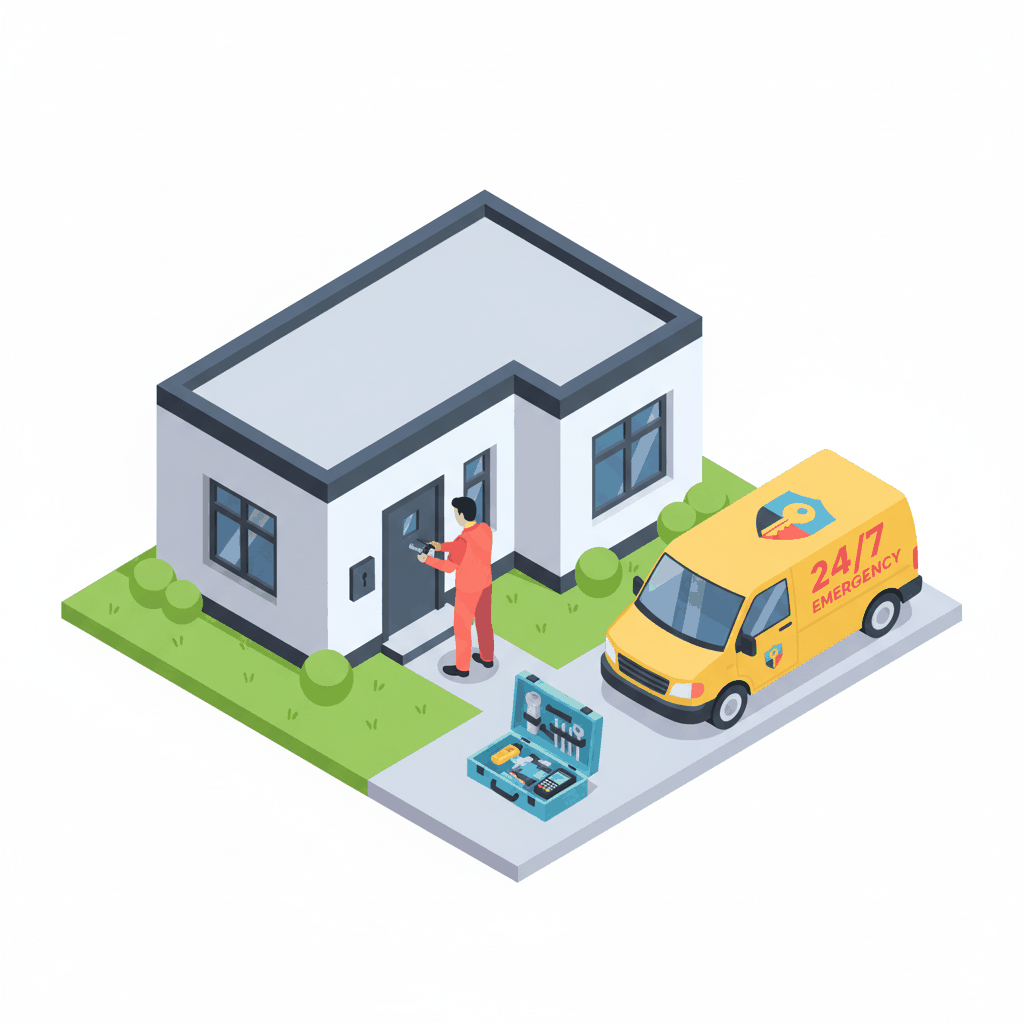
Use real photos instead. Show your actual branded vehicle. Include pictures of your uniformed technicians. Display your physical storefront if you have one.
These authentic images prove you're a real local business. Not a national call center that will charge triple your quoted price.
Speed kills deals in emergency situations. Sites loading in under 2 seconds convert up to 3 times better than slower ones. Every extra second of delay costs about 7% in conversions.
Test your site speed monthly. Optimize images for faster loading. Choose reliable hosting that handles traffic spikes. Emergency customers won't wait for slow websites.
Emergency customers and scheduled service customers behave completely differently. Your homepage needs to handle both types instantly.
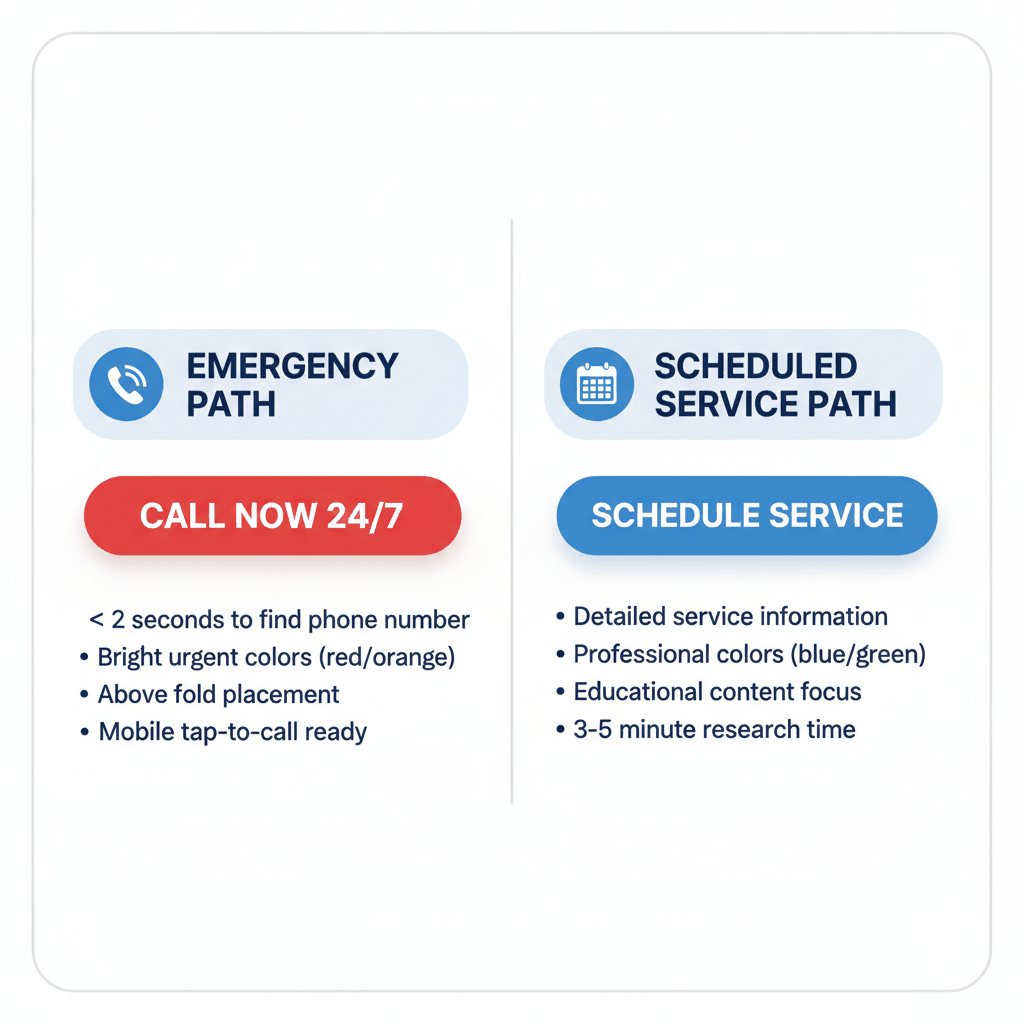
Emergency visitors want one thing. A phone number they can call right now. Design this path for speed and trust.
Use bright, high-contrast colors for emergency buttons. Red or orange works best for urgent actions. Make the button text clear: "GET EMERGENCY HELP NOW."
Place this button above the fold. It should be the first thing visitors see. Include your phone number right next to it for instant access.
Planned service customers research before buying. They want details about your services, pricing, and credentials. This path focuses on education and trust building.
Use professional colors like blue or green for scheduled service buttons. Text should emphasize value: "SCHEDULE YOUR SECURITY UPGRADE."
Link to service pages with detailed information. Include project galleries and customer testimonials. These visitors will spend 3-5 minutes researching before calling.
Add a utility bar above your main navigation. Include your most important trust signals here. This prime real estate builds instant credibility.
Display your license number with a link to state verification. Show "Licensed, Bonded & Insured" prominently. Add "24/7 EMERGENCY SERVICE" with your phone number.
This information appears on every page. Visitors see your credentials immediately without hunting through your website.
These specific trust elements separate legitimate locksmiths from scammer operations. Each one builds confidence and increases call rates.
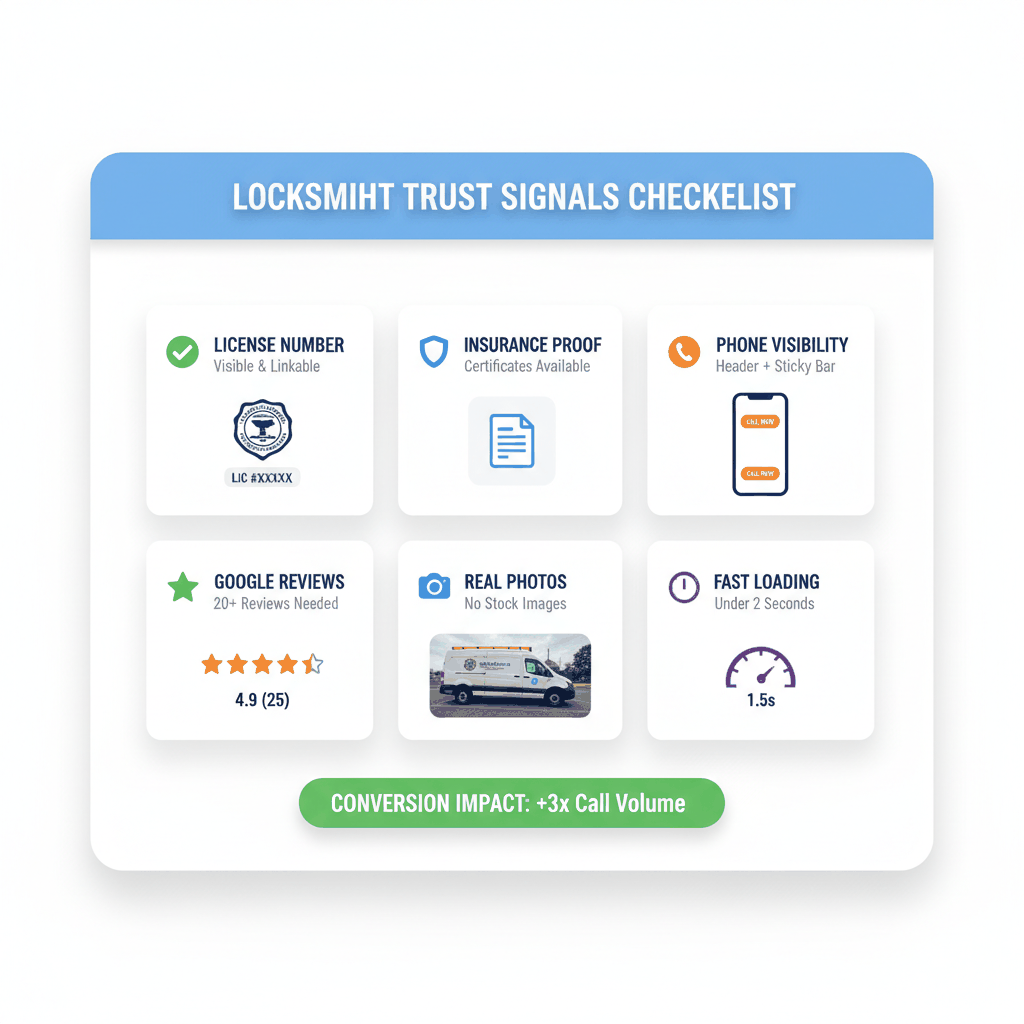
Your state license number is the strongest anti-scam signal you can display. Make it visible and linkable to your state's verification page.
Place license information in your header and footer. Include it on your contact page. Link directly to the state database where customers can verify your credentials.
ALOA certifications add extra credibility. Display CRL, CPL, or CML badges prominently if you have them. These show professional training and expertise.
Customers fear damage to their property during locksmith work. Insurance and bonding certificates eliminate this concern completely.
Upload copies of your insurance certificates. Make them downloadable from your website. Include your bonding company's contact information for verification.
Add insurance badge graphics to your homepage. Link to the actual documents. This transparency builds massive trust with worried customers.
BBB accreditation signals business legitimacy and customer service commitment. Even BBB listings without accreditation show transparency.
Link to your BBB profile page. Display your rating prominently. Address any complaints publicly and professionally.
BBB ratings appear in search results. They provide third-party validation that your business operates ethically and resolves customer issues.
Emergency lockout customers use mobile devices exclusively. Your trust signals must work perfectly on small screens or you lose calls.
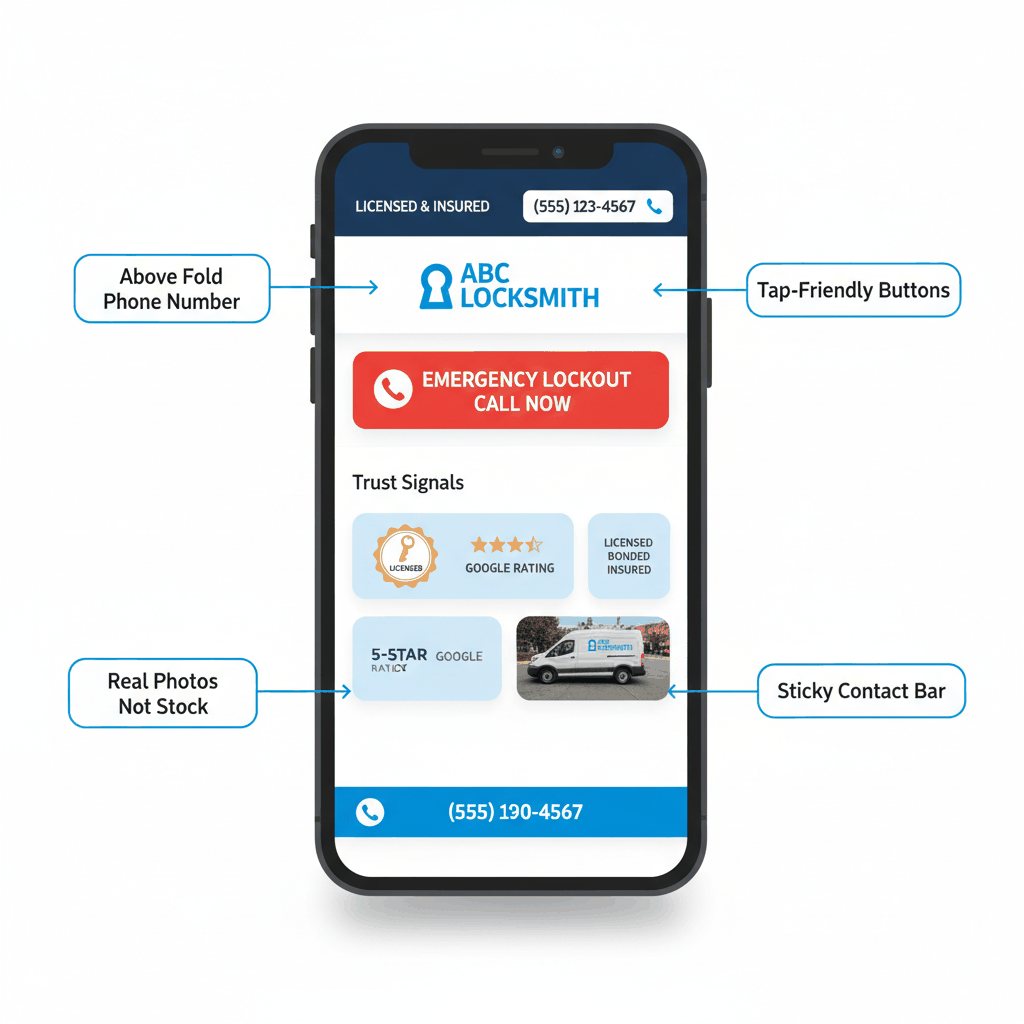
The "above fold" area is everything visible without scrolling. On mobile, this space is tiny. Every pixel counts for conversion.
Include your phone number in large, tappable text. Add one primary trust signal like "Licensed & Insured." Place your emergency call button prominently.
Skip complex graphics or long paragraphs. Stressed customers scan quickly for phone numbers and trust cues. Make finding these elements effortless.
Add a sticky contact bar that follows users as they scroll. Include your phone number and a tap-to-call button. This eliminates the need to scroll back up to find contact information.
Make the bar visually distinct but not annoying. Use your brand colors and clear typography. Test on different devices to ensure proper display.
Some visitors read reviews or service details before calling. The sticky bar lets them contact you instantly when they're ready.
Design all clickable elements for finger taps, not mouse clicks. Make buttons at least 44 pixels tall for easy tapping. Space links far enough apart to prevent accidental clicks.
Test your website on actual mobile devices. Use your fingers, not a stylus or mouse. If you struggle to tap elements accurately, your customers will too.
Customer reviews are digital word-of-mouth marketing. They influence purchase decisions more than any other trust signal for local services.
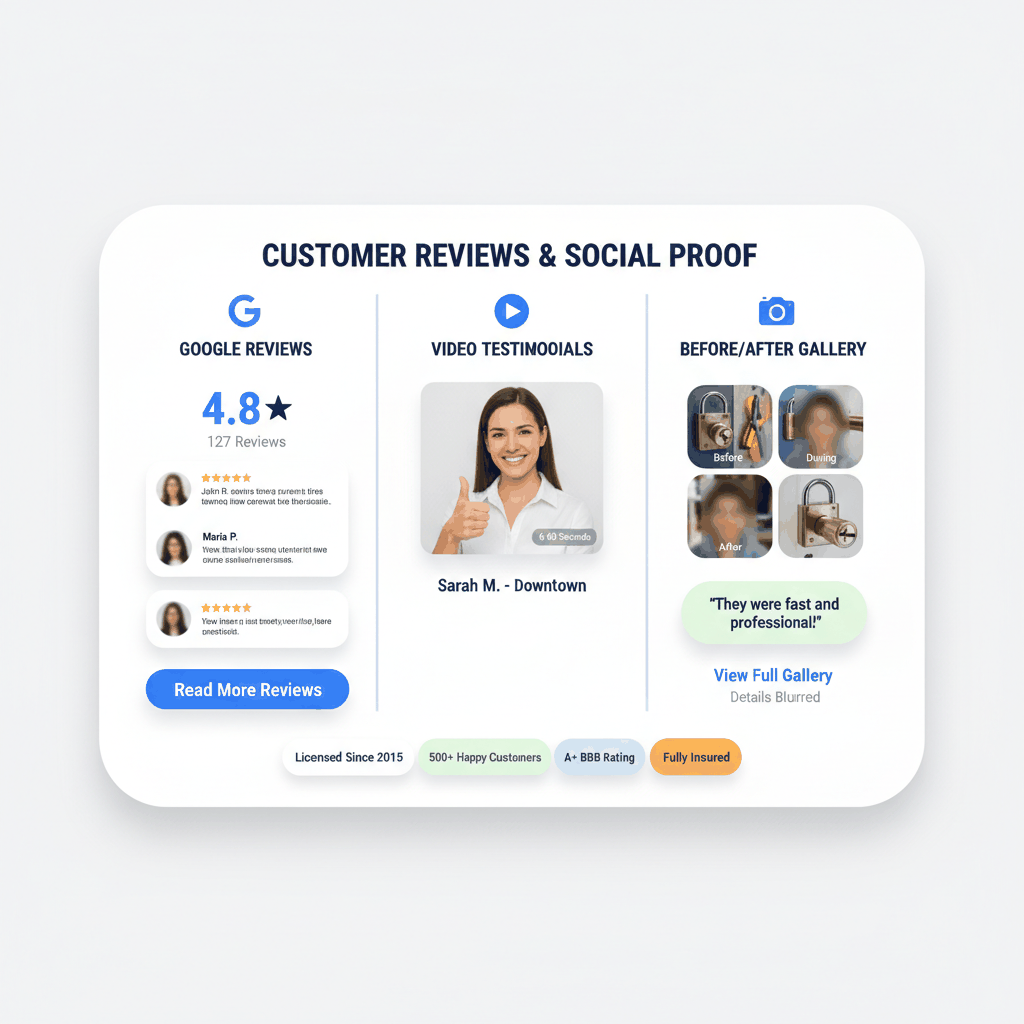
Google reviews appear in search results and Google Business listings. They're the most visible and trusted review platform for local businesses.
Embed live Google reviews on your homepage. Show your star rating and review count prominently. Link to your Google Business Profile for more reviews.
Research shows customers need at least 20 reviews to trust your average rating. Focus on building review quantity consistently over time.
Video testimonials are more convincing than written reviews. They're harder to fake and show real customer emotions and satisfaction.
Ask satisfied customers to record short phone videos. Keep them under 60 seconds for better engagement. Include the customer's first name and neighborhood for local relevance.
Post videos on your homepage and service pages. Upload to YouTube and embed on your website. Video content also improves search engine rankings.
Show the results of your work with before and after photos. Include lockout resolutions, lock installations, and security upgrades.
Get customer permission before posting photos of their property. Blur identifying details like house numbers or distinctive features for privacy.
Organize photos by service type on dedicated gallery pages. This helps customers visualize the quality of your work and builds confidence in your abilities.
Measuring trust signal effectiveness helps you optimize for more calls and higher conversion rates. Track the metrics that matter most for locksmith businesses.
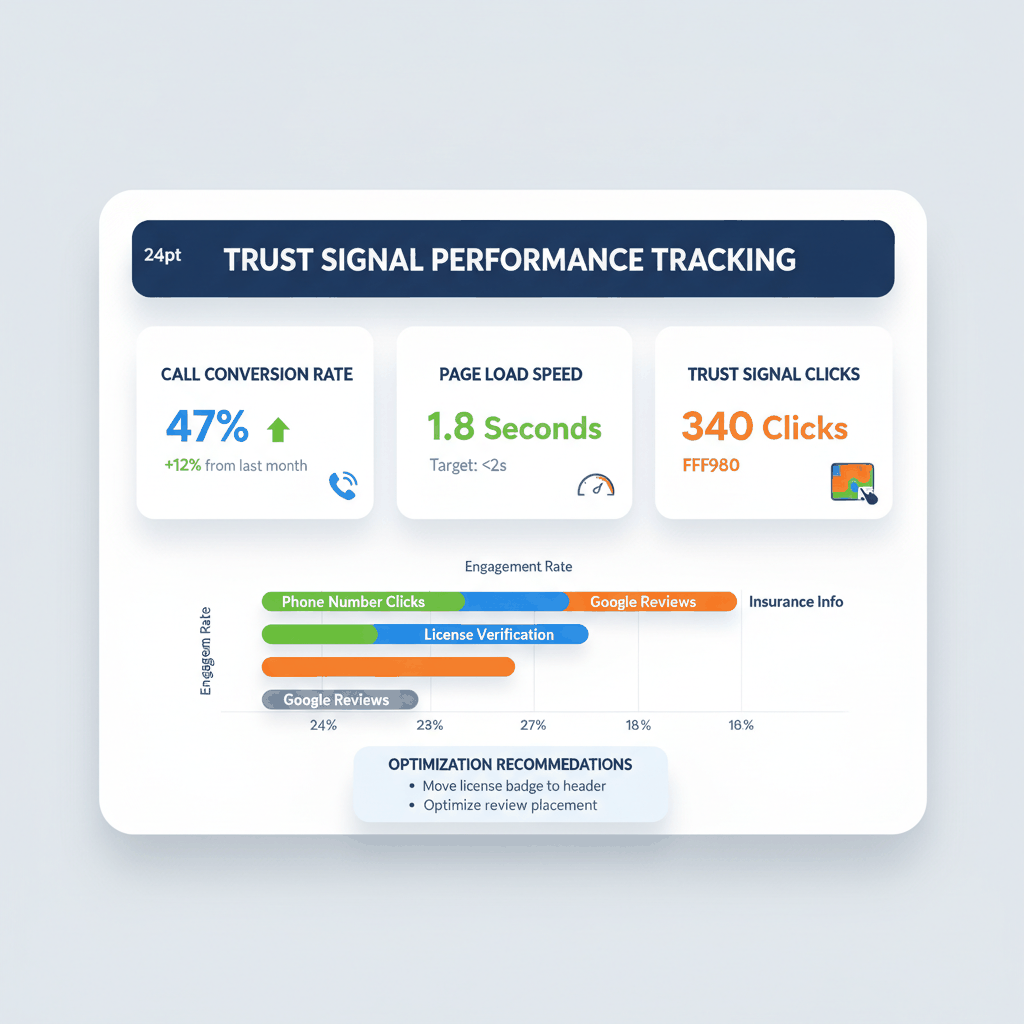
Use unique phone numbers for different traffic sources. Track which pages generate the most calls. Monitor call quality and conversion rates.
Set up call recording for training purposes. Listen to how customers found you and what convinced them to call. Use this feedback to improve your trust signals.
Professional call tracking services provide detailed analytics about your phone leads. They show which trust signals drive the highest value customers.
Heat map tools show where visitors click, scroll, and spend time on your website. This data reveals which trust signals attract the most attention.
Test different trust signal placements using heat maps. Move important elements to high-attention areas. Remove or improve elements that visitors ignore.
Run heat map tests for at least 1000 visits to get reliable data. Compare emergency and scheduled service visitor behavior patterns.
Test different versions of your trust signals to find what converts best. Try different button colors, text, and placement options.
Focus on one element at a time for accurate results. Test license badge placement before testing button colors. Keep successful changes and discard failures.
A/B testing tools help you compare different trust signal combinations. Even small improvements compound into significant increases in monthly calls.
What are the most important locksmith website trust signals for emergency calls?
The top trust signals for emergency calls are a visible phone number in your header, your state license number with verification link, real photos of your branded vehicle, and customer reviews prominently displayed. These elements prove you're legitimate and local.
How do I make my locksmith website convert better on mobile devices?
Focus on mobile-first design with a prominent tap-to-call button, fast loading speed under 2 seconds, and trust signals above the fold. Add a sticky contact bar and ensure all buttons are finger-friendly for easy tapping.
Should I display my locksmith license number on my website?
Yes, absolutely display your license number prominently and link to your state's verification database. This is one of the strongest anti-scam signals you can use to differentiate from fraudulent locksmith operations.
How many customer reviews do I need to build trust on my locksmith website?
You need at least 20 reviews for customers to trust your average rating. Focus on consistently collecting Google reviews and display your star rating prominently on your homepage and service pages.
What photos work best for locksmith website trust signals?
Use real photos of your branded vehicles, uniformed technicians, storefront, and completed work. Avoid generic stock photos that make you look like a call center. Authentic local business photos build immediate credibility.
Ready to buy locksmith leads? Sign up for free with ResultCalls today!

Hello everyone! My name is Alex and I write these blogs to help educate small business owners on different ways to grow their business. My goal is to make lead generation as easy as possible for you. After reading these blogs, I hope you leave with some actionable steps that will get you closer to growing your business :)